How to Sign Up for ChatGPT Ads (And Why You Should Care)
A walkthrough of OpenAI's Ads Manager Beta — the new paid media surface that just opened to advertisers in the US, Canada, Australia, and New Zealand.
A walkthrough of OpenAI's Ads Manager Beta — the new paid media surface that just opened to advertisers in the US, Canada, Australia, and New Zealand.
OpenAI started testing ads inside ChatGPT on February 9, 2026. Ads appear below responses on the Free and Go plans only — Plus, Pro, Business, Enterprise, and Edu accounts stay ad-free. Under-18 accounts don't see ads. Sensitive verticals (health, mental health, politics, dating, financial services) aren't eligible to advertise yet.
If you run paid media for a brand that sells to consumers — and your customers are already asking ChatGPT for product recommendations — this is a surface you need to understand before your competitors do. I've spent 15+ years running paid media at major agencies for enterprise brands, $350M+ in cumulative ad spend across Google, social, programmatic, and every emerging surface in between. ChatGPT Ads is the first net-new auction-based advertising platform I've watched launch in years. Worth paying attention.
Here's exactly how the signup flow works, screen by screen, so you know what you're walking into before you click "Get Started" at ads.openai.com.
OpenAI's official quickstart video walking through the three core steps to launch a campaign.
OpenAI Ads Manager Beta is the campaign management platform for ChatGPT Ads. It handles:
The campaign hierarchy is familiar if you've ever touched Google Ads or Meta:
| Level | What it defines |
|---|---|
| Campaign | Objective, budget, dates, targeting |
| Ad Group | Themed bucket of ads, plus context hints that describe the conversation types you want to show against |
| Ad | Title, description, image, landing page |
The context hints piece is the genuinely new mechanic. Instead of keyword bidding, you're describing the types of conversations where your ad makes sense. More on that in a future post.
The first screen asks for your legal business name, website, favicon (optional but do it — your favicon shows up in your ads), and industry.
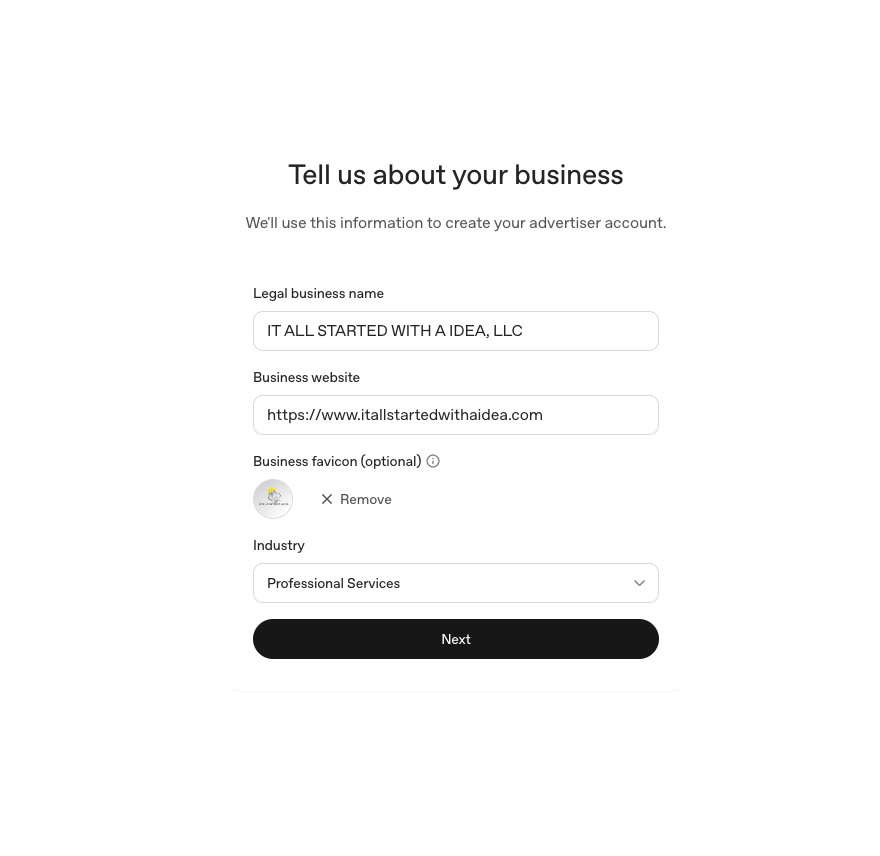
A few notes from filling this out for IT ALL STARTED WITH A IDEA, LLC:
Next screen sets your country, currency, timezone, advertiser type (Business or Individual), and whether you're an agency.
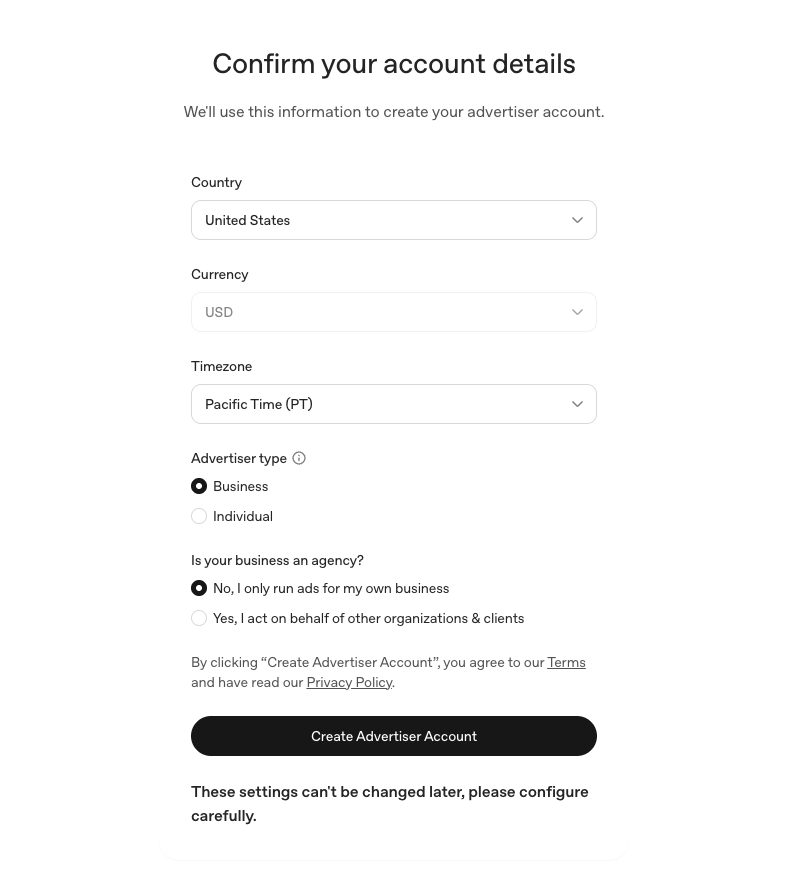
Click Create Advertiser Account to lock it in.
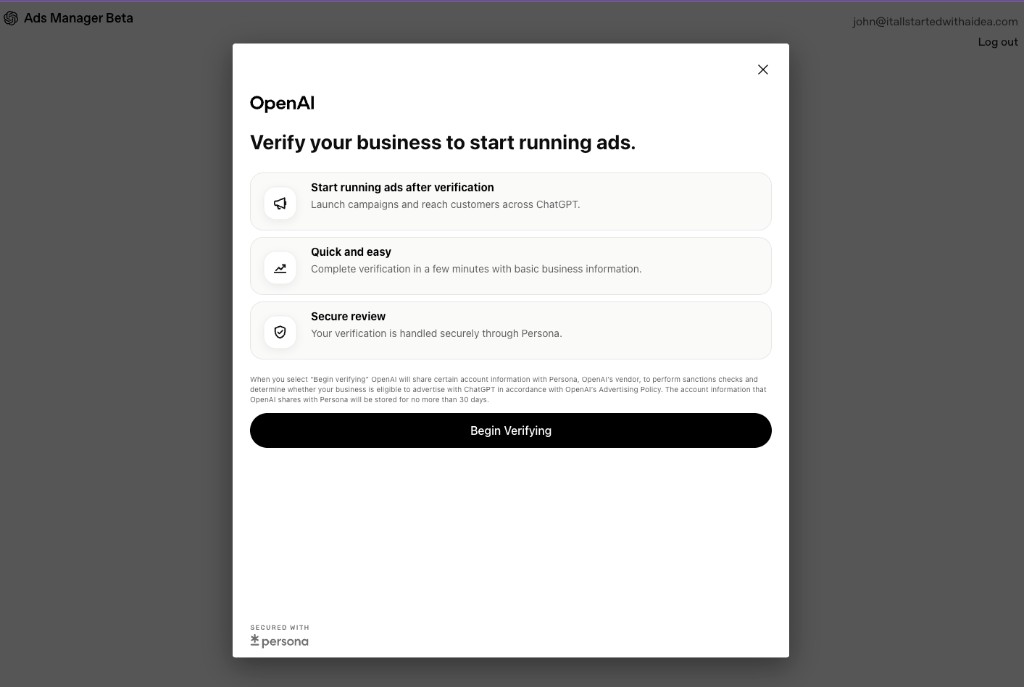
OpenAI handles verification through Persona (a third-party identity verification vendor). You'll see an explainer screen first.
Click Begin Verifying. OpenAI shares account info with Persona to run sanctions checks and confirm your business is eligible under their Advertising Policy.
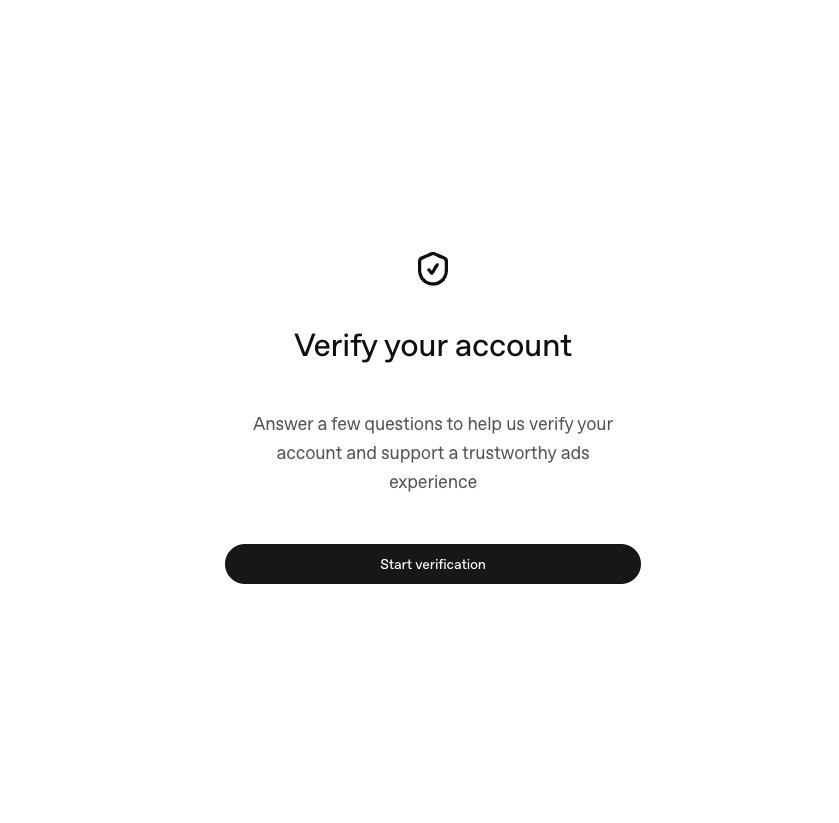
Click Start verification.
Persona pulls in your business name and asks where the business is located.
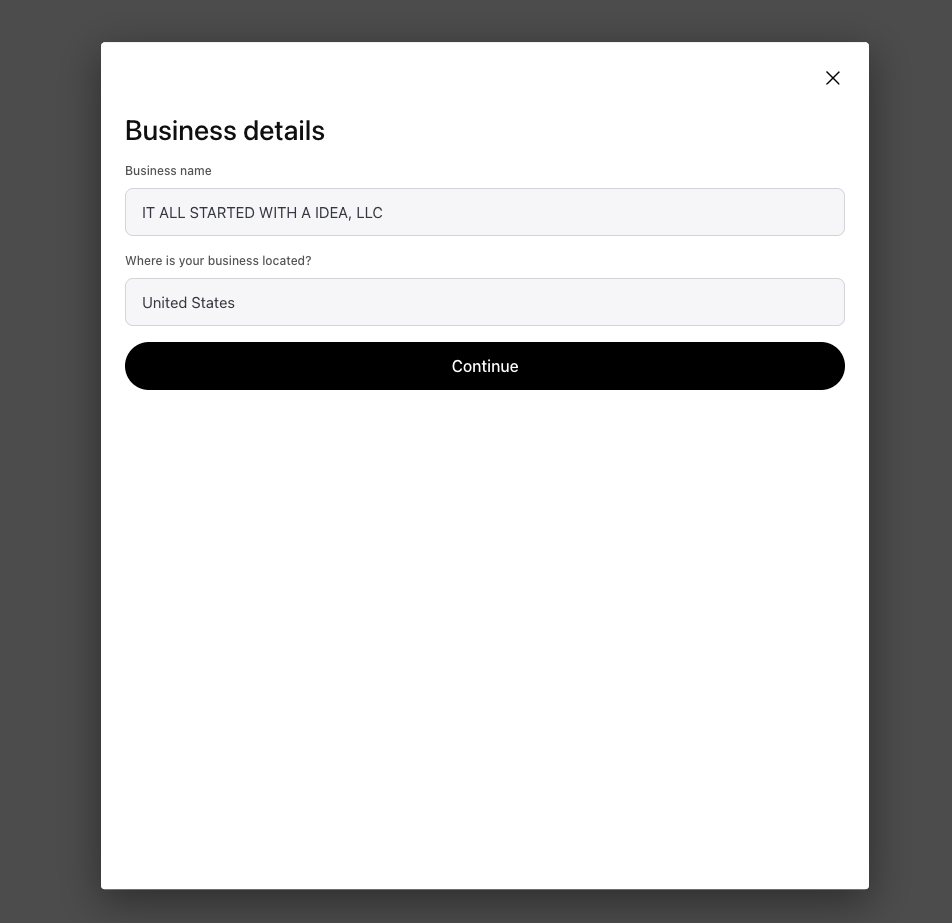
Straightforward. Confirm and continue.
This is the longer verification form. You'll need:
12-1234567)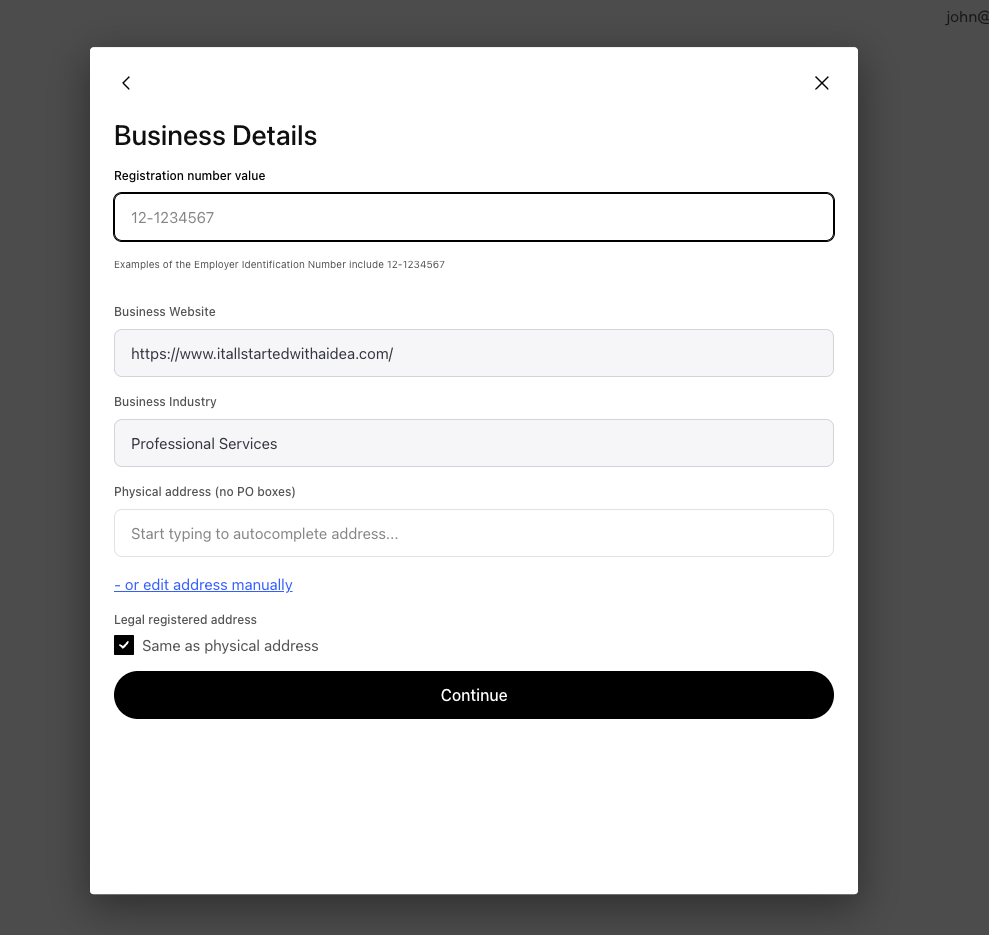
Once you click Continue, you'll see the green checkmark.
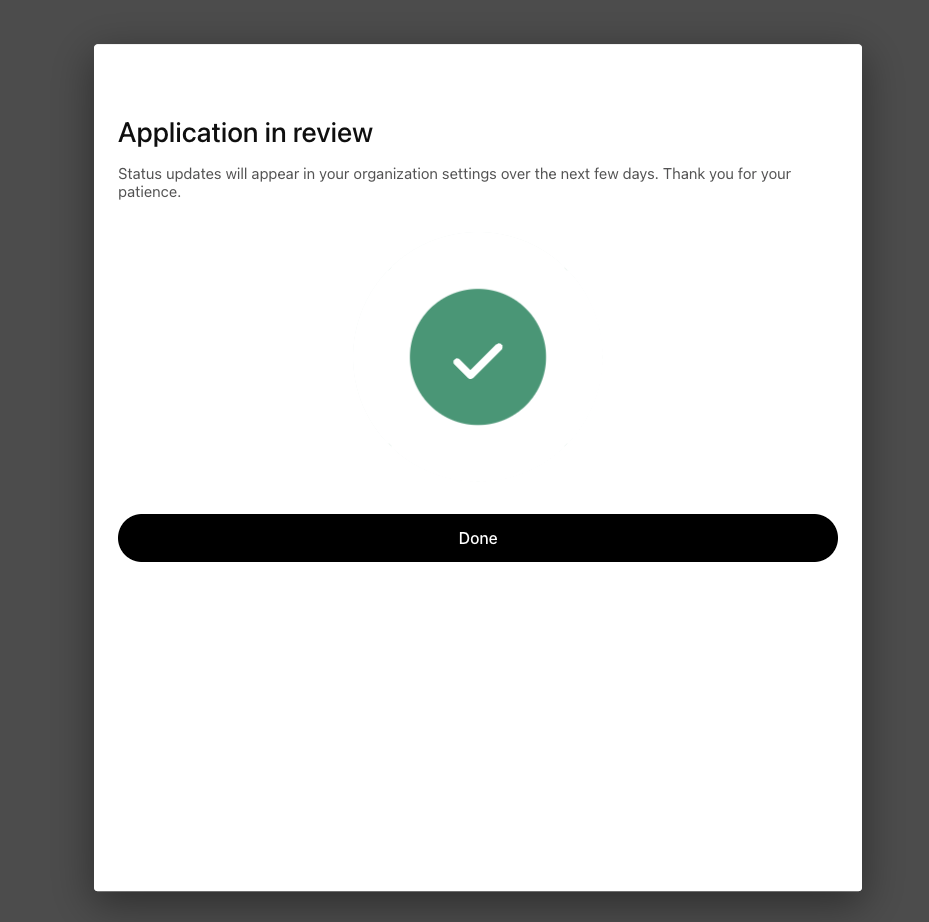
A few days. Not minutes. Plan accordingly if you're trying to launch around a specific date.
After hitting Done, you land on this screen:
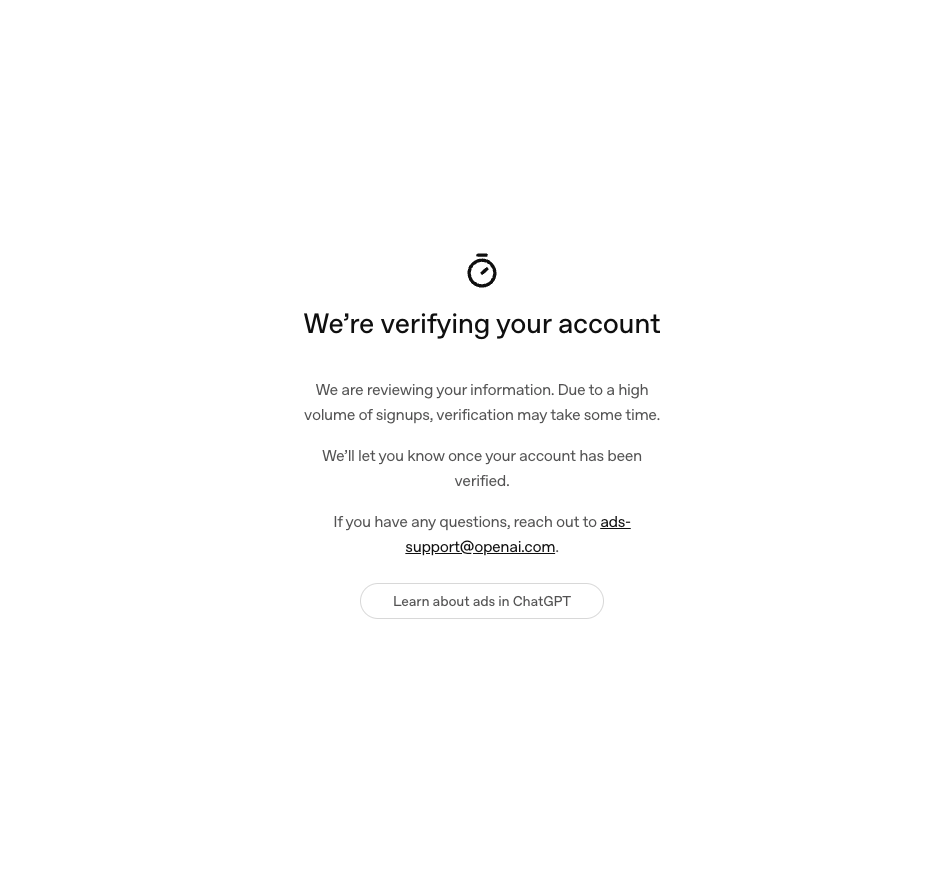
The note about "high volume of signups" is real — OpenAI is processing a lot of advertisers right now. If you don't hear anything within a week, email [email protected].
Once your account clears verification, the workflow is:
Campaign objectives, ad group context hints, and creative best practices are their own conversation — I'll break those down in the next post.
I run It All Started With An Idea — an independent paid media practice for brands that want senior-level strategy without the agency markup. ChatGPT Ads is one of several platforms I'm actively building campaigns on for clients across home services, professional services, and consumer brands.
If you want a second set of eyes on your ChatGPT Ads setup — or you want someone to run the whole thing for you while you focus on the business — reach out here.
I'll handle:
If you're still running Google Ads alongside whatever you're testing on ChatGPT, you should be auditing your Google account regularly. I built a tool called Buddy to make that easier.
Buddy — the Google Ads Auditor is the only tool in the advertising industry officially supported by Google Gemini for Google Ads analysis. Trademark pending, copyright protected, and built from the ground up to surface the things human auditors miss because they're too busy to dig. It pulls your account structure, scores it against best-practice frameworks, and gives you a prioritized action list — the kind of audit I'd hand a client after charging them five figures, except Buddy does it in minutes.
If you've got a Google Ads account that hasn't been audited in the last six months, run it through Buddy. You'll find money.
Open Buddy →The follow-up is live: How I Launched My First ChatGPT Ads Campaign — the exact build, with real screenshots: the Reach campaign, two ad groups, context hints, the CPM bid that actually delivers, ChatGPT-built creative, and conversion tracking wired through Google Tag Manager in two steps.
I'll be writing more on ChatGPT Ads as the platform matures — campaign architecture, context hint strategy, creative testing frameworks, and how ChatGPT Ads fits into a multi-platform paid media stack alongside Google, Meta, and the rest.
Subscribe if you want those in your inbox. And if you've got questions about your specific use case, my inbox is open.
— John